9 Best Nikon Z6III Accessories I Use and Recommend
The Nikon Z6III is a superb camera straight out of the box. A handful of well-chosen accessories makes it even better. They make it more comfortable to hold, protect it from knocks and bad weather and make sure you never come home from a shoot empty-handed.
These are the 9 accessories I bought for my own Z6III. Some of them were hand-picked for this camera and the rest are the standard kit I carry with every camera I own. None of them are expensive and a few of them are free, as you almost certainly have them at home already.
If you are still deciding on the camera itself, my full Nikon Z6III review covers how it has performed for me.
Please note some of the links below are affiliate links, so if you buy through them I may earn a small commission at no extra cost to you. Thank you for supporting my website and channel.
You can watch my full Nikon Z6III accessories video below or read on if you prefer.
1. SmallRig L Bracket
The first accessory I buy for every camera I own is an L bracket and I have three reasons for that. The third one might sound a little mad, but stick with me.
The first reason is the built-in Arca Swiss mount. The bracket has an Arca Swiss plate along the base and another along the side, so the camera clicks straight onto my tripod in landscape or portrait orientation in seconds. There is no need for a separate quick release plate and switching orientation no longer means rebalancing everything on the tripod head.
The second reason is the extended grip. Without the bracket my little finger hangs off the bottom of the Z6III. The extra height the bracket adds gives my whole hand a proper hold on the camera, which makes a real difference over a long day or with heavier lenses.
The third reason is the one people think is nuts. The side section of the SmallRig bracket slides out to make room for cables and it is locked by a single screw. If you slide it all the way out and tighten it up, it works as a surprisingly good makeshift side handle for video. It is not the most comfortable handle in the world and it digs in a little, but for a few seconds or a few minutes of behind-the-scenes footage it does a brilliant job. Holding the camera with your hands further apart helps take out a lot of those small micro movements that ruin handheld video.
That is why I always research an L bracket before buying it rather than just picking the cheapest one.
2. Screen Protectors
Screen protectors are about the cheapest insurance you can buy for your camera. They are simple to fit and cover both the rear screen and the top display on the Z6III, protecting them from scratches and impacts.
I fit them as soon as a new camera comes out of the box. Replacing a scratched or cracked screen costs far more than a set of protectors, so this one is a no-brainer for me.
3. A Good CFexpress Card
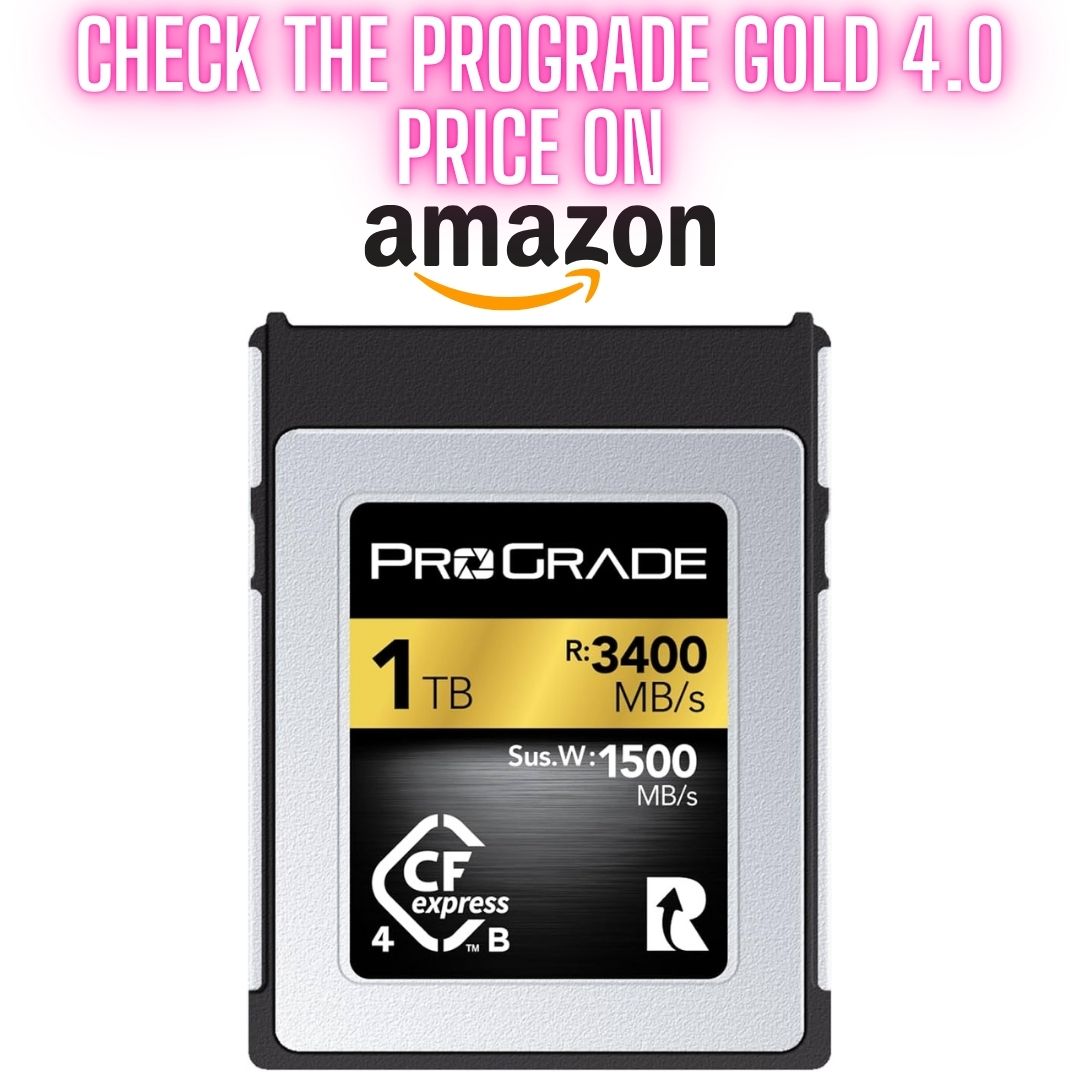
The Z6III has one CFexpress Type B slot and one SD slot. A fast CFexpress card is what lets this camera stretch its legs in burst mode. A slow card means the buffer fills up and the camera has to stop and wait while it writes your images.
The card I went for is the ProGrade Digital Gold 512GB. Its transfer rate is more than enough for the Z6III in burst mode and the Gold range is very good value for money. I also use the 1TB Gold card in the Z6III and it works just as well.
For the record, I have no connection with ProGrade. I simply use their cards and they have never let me down.
ProGrade Gold 512GB (Amazon)ProGrade Gold 1TB (Amazon)
I have also put the 512GB card through its paces in my ProGrade Gold 512GB test in the Nikon Z8.
4. Spare Batteries or a Power Bank
Spare EN-EL15c batteries are not cheap, but they are worth every cent. I usually have about five of them with me on a shoot, along with a USB power bank just in case.
If spare batteries are outside your budget for now, a power bank is a great alternative. Connect it to the USB-C port on the Z6III and it will charge the battery in the camera. You can switch the camera off and let it charge, or let it trickle charge while you keep shooting to stretch your battery life. It will also keep your phone alive, which is just as important when you are halfway up a mountain.
Spare batteries are still the better option, but a power bank costs a lot less and does far more than one job.
5. A Shower Cap

This is where we get into the accessories I recommend for every camera and yes, a shower cap is one of them. Don’t run away just yet.
Picture this. You are on a beach in the west of Ireland watching rain-filled clouds mixing with speckled rays of sunshine dancing on the water. Then the heavens open above you. Most people take the camera off the tripod, put the lens cap on, pack everything away and wait.
When the rain stops they have to unpack, switch on, recompose, level the camera and refocus. By then that dramatic light is often gone.
Instead, reach into your bag and pop a shower cap over the camera and lens. Everything stays set up exactly as it was. The moment the rain eases, you lift it off (or just pull it back) and fire off your shot within a second of the rain stopping. If it starts again, pop it back down. Those moments of dark heavy cloud mixed with breaking light are often the best of the day. This simple trick means you are ready for them.
Best of all, shower caps cost next to nothing, weigh nothing and take up no space in your bag.
Get even more from your Z6III
My Z6III Pro Guide app explains every button, menu and setting, with my recommended setups for every type of photography. It works fully offline, so it is always in your pocket when you need it.
See the Z6III Pro Guide app6. Silica Gel Packs

Silica gel packs absorb moisture from the air, so keeping several in your camera bag keeps the humidity down. That matters more than most people realise, as damp is what lets mould and fungus grow inside your lenses. Fungus will ruin a lens completely. If your camera does get a little wet, they will also help draw the moisture out.
You probably have plenty of them at home already, as they come packed with electronics, appliances and even shoes. If not, they are very cheap to buy.
A handy tip: silica gel packs can be reused. Lay them on a sheet of baking paper in the centre of your oven at about 150°C for around 10 minutes and the heat will drive the moisture out of them.
If your camera ever does get soaked, I have a full video on how to save a wet camera and silica gel is part of the process.
7. A Rocket Blower
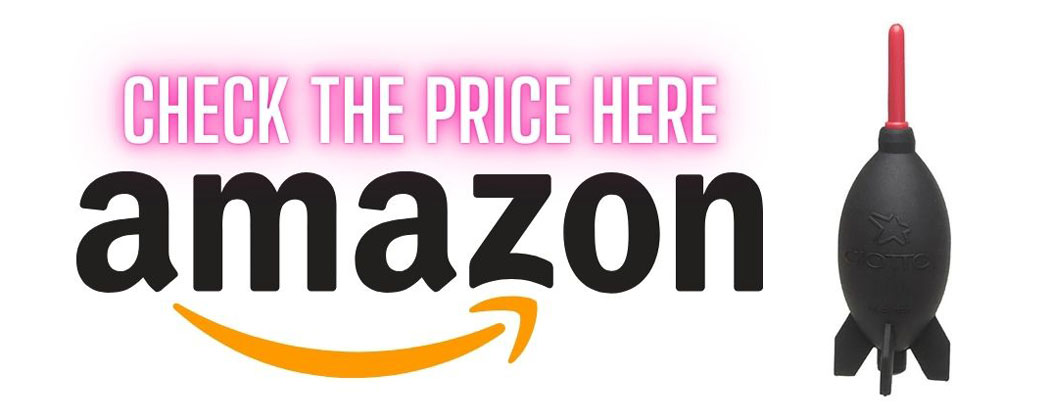
A rocket blower fires out a strong jet of air through a small nozzle, which is exactly what you need when you are changing lenses out and about. It clears dust off the front and back of your lenses. If a speck lands on the sensor you can hold the camera upside down and blow it out.
There are two types: filtered and unfiltered. A filtered blower cleans the air it draws in so you are not blowing fresh dust back at your sensor or lenses. Some photographers swear by them and that is perfectly fine.
Personally, I still use an unfiltered one. I used to repair cameras, so I am very familiar with sensor cleaning and I clean the sensors on all my cameras every two or three months, or sooner if dust spots start to appear. Sensors are not as delicate as many people think, but you still need to be very careful with them.
Filtered Rocket Blower (Amazon)Unfiltered Rocket Blower (Amazon)
8. A Rubbish Memory Card
Keep an old, slow, rubbish memory card tucked into a pocket of your camera bag and never take it out unless you have to. The Z6III has an SD slot, so any old SD card will do.
There will come a day when you are halfway up a mountain and realise your card is still in your computer at home, or it is full, or it has stopped working. That is when the old card earns its place. Even a small 4GB card will hold a good number of photographs, which is a good number more than you would get with no card at all.
The one rule is this: if you do use it, empty it onto your computer as soon as you get home and put it straight back in the bag. This one costs you nothing.
9. A Good Camera Bag
The last accessory is a really good camera bag. It keeps your gear safe and dry. A well-designed bag also makes carrying it all a lot easier on your back.
As some of you will know, I am an f-stop ambassador and I genuinely love their bags. They are built to last, the thought that goes into the design is remarkable and the f-stop team are always looking for ways to make their products more environmentally friendly, which I really respect as someone who spends so much time in nature. I have several f-stop bags here in the studio.
That said, you don’t have to buy an f-stop bag. There are plenty of good camera bag makers out there. Just remember that buying cheap usually means buying twice. Your gear and your back are what suffer in between.
Where to Buy the Nikon Z6III
If you haven’t bought your Z6III yet, you can check the latest prices and special offers below. I also keep a list of the best current Nikon prices on my Nikon deals page, which I update regularly.
Nikon Z6III Accessories FAQ
What is the most important accessory for the Nikon Z6III?
For me it is an L bracket, as it improves the grip, makes tripod work far quicker in both orientations and can even double as a makeshift side handle for video. A fast CFexpress card is a very close second.
What memory card does the Nikon Z6III use?
The Z6III has one SD slot and one CFexpress Type B slot, which also takes XQD cards. I use the ProGrade Gold 512GB CFexpress card as my main card.
Can you charge the Nikon Z6III with a power bank?
Yes. Connect a power bank to the USB-C port and it will charge the EN-EL15c battery in the camera, or trickle charge it while you shoot.
Do I need a screen protector for the Z6III?
You don’t need one, but they are cheap and protect both the rear screen and the top display from scratches and cracks. I fit them on every camera I own.
I hope this guide helps you get even more out of your Z6III. See you out there,
Kieran.
- 13 November 2026: First published.